Right-Sizing Your DevOps Stack
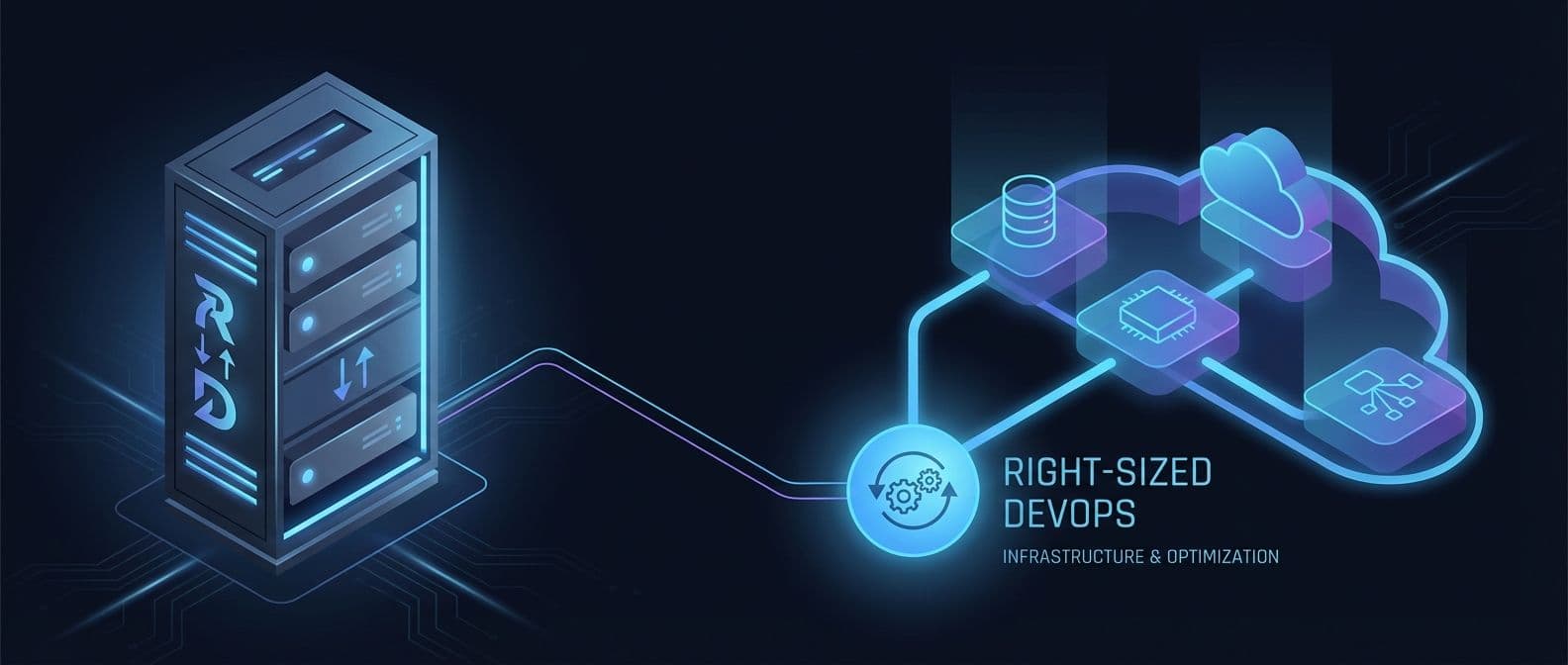
Most DevOps problems aren't DevOps problems. They're people problems — someone got excited about Kubernetes before they had a second service, or someone hand-configured a production server and left on vacation.
I've watched teams spend weeks building Helm charts with custom ingress rules, horizontal pod autoscaling, and dedicated namespaces — to serve a static SPA. I've watched corporations burn entire sprints getting minikube to behave like a production cluster so they could "test locally" before deploying to a managed service that would have handled everything for them.
The tools exist. The cloud has matured. You don't need half of what you think you need. Here are the DevOps best practices I actually follow — the ones that keep my CI/CD pipelines fast, cheap, and out of my way.
Bind Your Code to a Cloud Provider and Walk Away
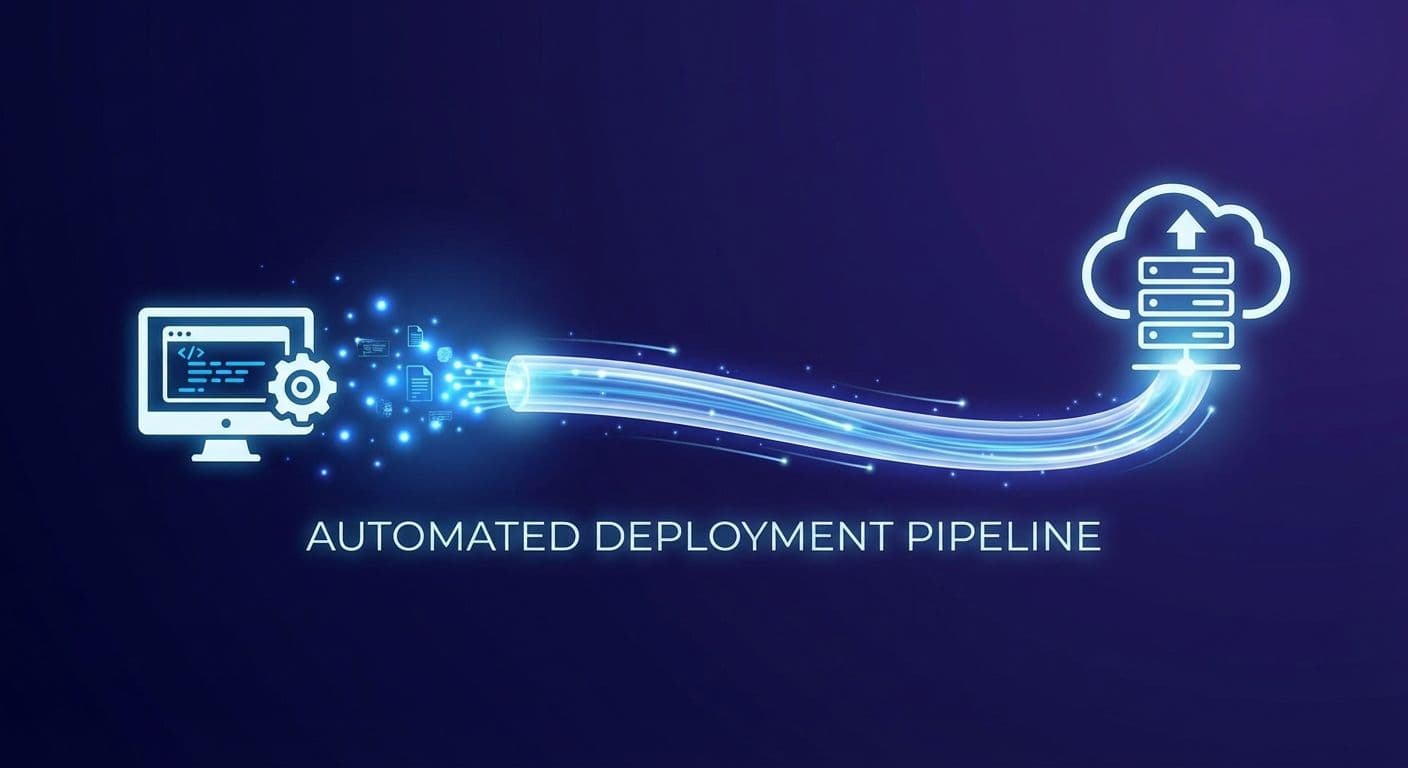
Vercel, Cloud Run, AWS Lambda, Fly.io — pick one that fits your stack and connect it to your repository. Install the GitHub app. Point it at a branch. Push code, it deploys. That's continuous deployment without the ceremony.
That's the whole setup for most projects. No build server. No artifact registry. No custom Docker images unless you actually need them. The provider handles builds, previews, rollbacks, and SSL.
If you need full-stack deployment — databases, background workers, and cron jobs on one platform — Render, Sevalla, or Northflank handle that without forcing you into a separate managed database tier. Railway fits here too if you're comfortable wiring up workers and cron yourself — it doesn't have dedicated support for those out of the box, but it's fast and cheap for everything else.
When I spin up a new project, this is step one. Not "how do I set up a CI/CD pipeline" — it's "which provider auto-deploys from my repo?" If the answer is Vercel or Cloud Run, I'm deployed before lunch.
Scale comes later. Cost optimization comes later. Right now, you're shipping.
Use GitHub Actions for Everything Else
I'll be upfront: I don't love GitHub Actions. The YAML gets unwieldy, debugging is painful, and the runners are slow. If you have the budget, Blacksmith is a drop-in replacement that runs your same workflows on bare-metal gaming CPUs — one line change in your YAML (runs-on: blacksmith) and builds run 2-4x faster. Or skip the middleman entirely and wire up your own webhook-triggered build server, similar to how providers like Vercel tie into your repo. But for most teams at this stage? GitHub Actions is simple, you get a generous free tier, and it covers the next step. Don't overthink it.
Your package.json scripts, Gradle tasks, Makefiles, Vite configs — these are your real build layer. GitHub Actions just triggers them. If your build works locally with pnpm test && pnpm build, it generally works the same way in Actions.
Once your auto-deploy provider handles the basics, GitHub Actions fills the gaps. Run your tests on push. Lint on PR. Build validation before merge. That's 90% of what teams actually need from a CI/CD pipeline. If you're already on GitLab, their built-in CI does the same job.
The mistake I see is teams building elaborate multi-stage pipelines with approval gates and artifact caching before they have more than one deploy target. It's never the solo founder doing this — it's the single dev team inside a larger org, or the product group with a few engineers who should have just grunted, Gradle'd, or Gulp'd their way through a simple pipeline. You're not Netflix. Run your tests, deploy your code, move on.
Turn Your Terminal History into Shell Scripts
Every DevOps pipeline starts the same way: someone typed a series of commands into a terminal that worked. Then they forgot them.
Run history. Look at the last 50 commands you ran to set up that server, configure that service, or deploy that release. Clean them up. That's your shell script.
I write shell scripts that call other shell scripts. Setup scripts that install dependencies, configuration scripts that set env vars, deployment scripts that pull and restart. None of this is glamorous. All of it is repeatable. I've replaced entire "deployment runbooks" with a single ./deploy.sh that took an afternoon to write and saved the team hours every week.
The difference between "I can deploy this" and "anyone on the team can deploy this" is a shell script with comments. Write it down. Automate the human element — because humans forget, skip steps, and get distracted. Your scripts don't.
Let Third-Party Providers Handle Scaling

You don't need to manage your own load balancer. You don't need to run your own Postgres cluster. You definitely don't need a self-hosted Redis instance on a bare EC2 box because someone "wanted full control."
Full control means your engineer is watching YouTube tutorials at midnight when it goes down on a Saturday.
Vercel handles edge caching and auto-scaling for most workloads. Fly.io makes multi-region straightforward. Cloud Run scales to zero when nobody's using it (with cold-start trade-offs for latency-sensitive apps). MongoDB Atlas manages your database. For serverless Postgres, Neon or Supabase give you a managed instance that scales to zero. For Redis, Upstash gives you serverless Redis without the 2 AM EC2 incident.
Use managed services until the bill is the problem. When the bill becomes the problem, that's a good problem — it means you have traffic. Optimize then, not before. The current generation of managed services makes this absurdly cheap at startup scale.
Lock Down Credentials Before You Have an Incident
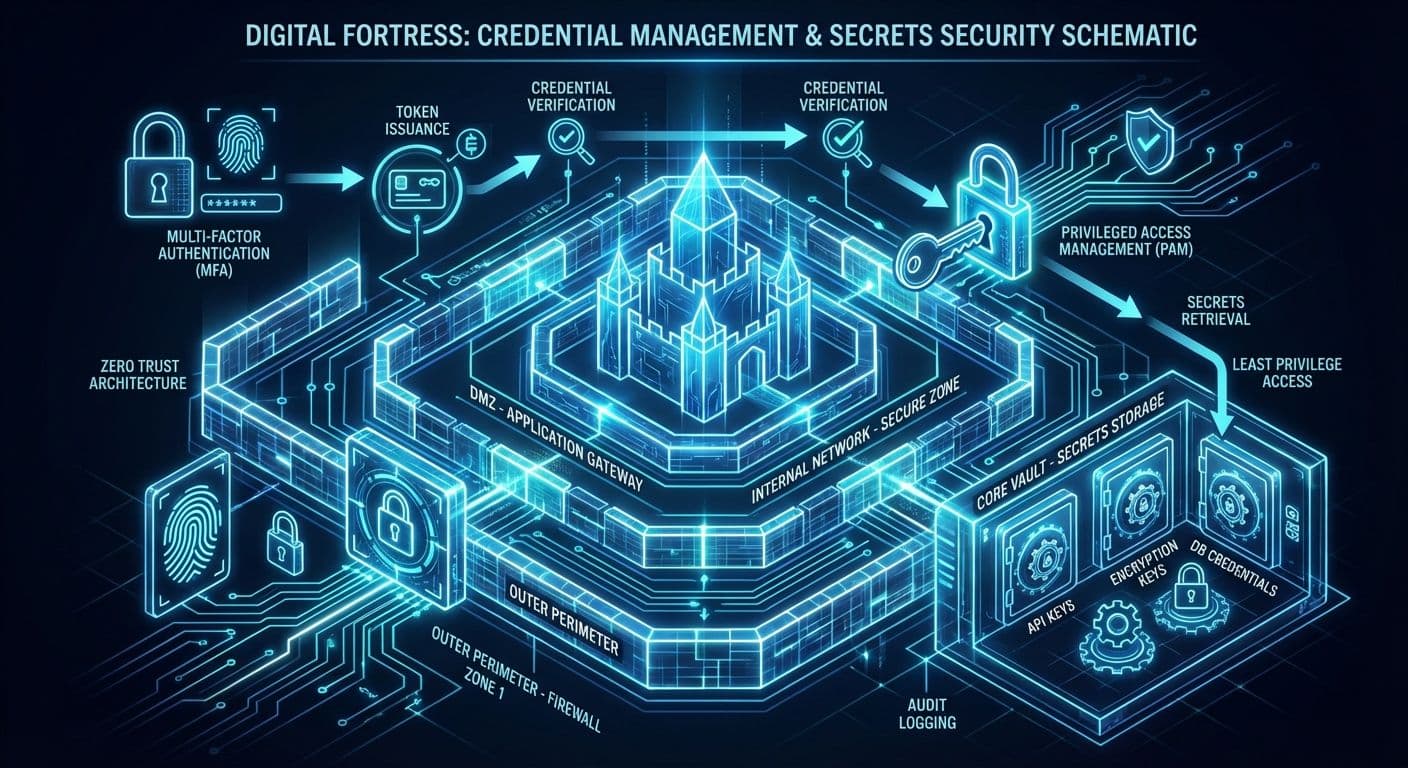
I joined a team where they passed around SSH keys in Slack to their dev jump box — the same tunnel that had been open for years. Employees came and went, but without any access requirements beyond IP and an SSH cert, their database had been open to every prior employee, anyone who got one of those employees' old laptops, or any other leak. Worse, clients had things bound to that connection. Rolling the keys meant re-attaching everything that could interact with the database. The actual users had been running the root DB user through a top-level SSH box with root access for years. It took way too long and too many interventions to be able to start fixing that.
That's the cost of not thinking about credentials early. Use a secrets manager — AWS Secrets Manager, GCP Secret Manager, Vault, whatever your cloud provides natively. Workload Identity Federation (WIF on GCP, OIDC roles on AWS) eliminates long-lived service account keys entirely. Your workload proves its identity to the cloud provider directly. No keys in environment variables. No credentials committed to repos. No shared Google Doc with passwords.
I roll all keys from one location using bash scripts with RBAC controls. One script, one source of truth, one audit trail. If a key leaks, I know exactly where it was used and can rotate it in minutes, not hours.
This is the hack that prevents the 2 AM incident. Everything else on this list makes you faster. This one keeps you employed.
Infrastructure as Code — When You Actually Need It
I've watched a senior engineer spend two weeks writing Terraform modules for a Next.js app running on a single EC2 instance. The app had one environment and no reason it couldn't have been deployed to Vercel or Netlify — where builds, previews, rollbacks, and SSL come free. Instead, the Terraform added nothing except a state file someone would eventually forget to lock.
IaC earns its keep when you have multiple services that need to talk to each other, when you're managing cloud resources that drift if left unattended, or when compliance requires an audit trail of infrastructure changes. If your deployment is "push to main and Vercel handles it," you don't need Terraform yet.
When you do need it, version control your infrastructure definitions alongside your application code. Submit PRs for infrastructure changes — this is what the industry calls GitOps, and it works. The same review discipline that catches bugs in your API will catch the IAM policy that grants too much access. If you want to write infrastructure in TypeScript or Python instead of HCL, Pulumi is the mature alternative. If Terraform's BSL licensing concerns you, OpenTofu is the community-maintained fork.
The goal is reducing binding between services. IaC describes relationships and dependencies in code instead of in someone's head. When that person takes another job — and they will — the infrastructure is still documented.
Local Clusters for Testing (But Know Their Limits)

Minikube, kind, or Rancher Desktop are useful for one thing: making sure your containers actually start and behave correctly before you push them somewhere expensive.
They are not useful for performance testing. A local cluster on a developer laptop doesn't tell you anything about how your service handles 10,000 concurrent connections. Performance tests need scaled environments that match production, or they're just giving you false confidence.
Use local clusters to validate configuration: environment variables load correctly, services discover each other, health checks pass. Then deploy to a real environment for anything load-related. If you attempt load testing on the same machine running the service, you're testing your laptop's hardware, not your application's scalability. Your tests have to scale with the environment, and the load source has to be separate from the target — otherwise you're measuring your own ceiling.
I've seen teams spend weeks tuning local Kubernetes configurations that had zero relevance to their actual production setup on EKS. The local cluster was a comfort blanket, not a testing tool.
When the Complexity Is the Point
Everything above is about cutting complexity you don't need yet. But sometimes the complexity isn't optional — it's the job.
If you're on a government contract and you need to meet Section 508, GDPR, SOC 2, and PCI simultaneously — you're not over-engineering your pipelines. You're meeting the requirements that let you keep the contract. That level of compliance demands real DevOps infrastructure: automated audit trails, enforced access controls, reproducible builds, and deployment gates that prove you did what you said you did. There's no SCP-and-cron shortcut to PCI compliance.
Same applies when the integrations have genuinely scaled. A product with 30 third-party integrations, four environments, and a deployment pipeline that touches three cloud providers isn't over-engineered — it's managing real complexity. The mistake isn't having sophisticated tooling at that point. The mistake is having sophisticated tooling when you have two developers and a single Vercel deployment. If this sounds like your situation, I've helped companies at both ends of that spectrum.
And then there's mobile. Mobile DevOps is famously under-done — even at companies that should know better. The signing credential dance with Apple alone is an entire discipline: provisioning profiles, distribution certificates, entitlements, and an App Store review process that treats your CI/CD pipeline as an afterthought. Most mobile releases still ship from someone's laptop because the alternative — properly automating the build-sign-upload chain — requires fighting Xcode's tooling at every step. Tools like Fastlane and Bitrise have made it better, but "better" still means fragile. Android is more forgiving with Gradle and signing configs, but Play Store deployment automation has its own sharp edges. The whole space deserves more attention than it gets, and I'm planning a deeper write-up on mobile DevOps — including what it looked like before IBM tried to make "Mobile First" a platform with CI/CD baked in, and why most of those lessons still apply.
Then there's the closet problem. You know the one. Over three years, someone spun up service accounts for every integration. SSH keys got passed over Slack. API tokens live in a GitHub wiki that five former employees still have access to. The IAM policy looks like it was written by committee — because it was. Nobody knows which service accounts are still active, and nobody wants to find out by turning one off.
Ideally, you wipe them and re-roll every key. In practice, that's a project — sometimes a long one. You're untangling dependencies between accounts, services, and secrets that were never documented because "we'll clean this up later" is the most consistently broken promise in engineering.
RBAC and Documentation: The Two Things That Actually Scale
When you're growing a team, two investments pay for themselves immediately: RBAC and documentation.
Role-Based Access Control isn't glamorous. Nobody writes a blog post about how excited they are to set up IAM policies. But the alternative — everyone has admin access because it's easier — is a ticking clock. It works until the first time someone accidentally deletes a production database, or until your SOC 2 auditor asks who has write access to your payment service and the honest answer is "everyone."
You already know about WIF from earlier in this post — the same pattern applies here. Enforce it with proper role boundaries and you've closed the biggest gap in most teams' access model.
I'll be honest about something: I use a swarm of AI agents to set up RBAC with WIF and roll keys across environments. Is passing instructions through LLM context windows the most secure thing I've ever done? No. The messages could theoretically be leaked. But here's the trade-off math — that risk is meaningfully lower than the alternative I've walked into at a dozen companies: SSH keys shared in Slack DMs, API tokens in public GitHub repos, service account credentials in a shared Google Doc titled "DO NOT SHARE." The bar isn't perfection. The bar is better than what you're doing now.
The other thing that actually scales is documentation. Not the 200-page runbook nobody reads. The kind where every pipeline has a README that answers three questions: what does this do, what credentials does it need, and what happens when it breaks. When someone new joins the team and can deploy to staging on day two because the docs told them how — that's the ROI. When your compliance auditor asks how deployments work and you can point them to a living document instead of scheduling a meeting — that's the ROI.
RBAC keeps you from getting in trouble. Documentation keeps everyone on the same page. Neither is exciting. Both are the difference between a team that scales and a team that breaks at 15 people.
The Biggest Hack
Everything above shares a common thread — reduce what a human has to remember, decide, or manually execute.
The biggest hack isn't a tool. It's good documentation and focusing your automation on the thing that costs the most when it fails — or eats the most engineer-hours when it doesn't. If something is requiring three manual work days just to move things around — document it fully and then automate it piece by piece.
Every manual step in your deployment is a step where someone can make a mistake, skip a check, or do something slightly different from last time. Automate the human element. Add monitoring and observability so you know when something breaks before your users tell you — even a simple health check endpoint and an uptime ping goes a long way.
Simplify first. Keep it secure. Scale as your project scales — not before.
If you're watching your team drown in infrastructure they didn't need to build yet, this is exactly the kind of decision I help companies get right. Right-sizing your DevOps for your actual stage is one of the highest-leverage calls a technical leader can make. See how I work with startups and scaling companies.
Enjoyed this? Share it:
Get one CTO-level insight per week
No spam, no fluff. Just one actionable insight on architecture, leadership, or scaling — straight from the field.
Subscribe via email

Mathew Dostal
Fractional CTO & Principal Architect
Specializing in Edge AI/IoT, Agentic & Distributed Systems, and Mobile — across commerce, fintech, and tech. 37+ companies, hundreds of codebases, 10+ apps shipped, and code that's served millions of users. Led engineering teams at Frontiers Market, Firefly Events, and Fortune 500 companies including Hertz, Costco, and Wayfair.
Need strategic guidance on your architecture decisions?
I help companies make critical technology choices with confidence — from modernization roadmaps to scalability assessments and build-vs-buy analysis.
Relevant services: Fractional CTO • Technical Advisory
Discussion
Questions, corrections, or thoughts? Leave a comment below.
Keep Reading

How to Hire Engineers
Google's own research found zero correlation between interview scores and job performance. After hiring dozens of engineers across seven companies, here's what actually predicts success — and how to build a hiring process that finds the people who can do the job.
Why You Probably Don't Need a Full-Time CTO
The work I do now as a fractional CTO isn't new. But it's different from consulting in ways that matter — and the companies who need it most aren't always the ones you'd expect. From enterprise architecture at Hertz to helping a small business in DFW take market share from competitors with a 40-year head start.

The Architecture Behind a 6,000% Throughput Improvement at Hertz
Rates changed 10,000 times per second — too fast to cache. But the tens of thousands of rules that determined which rate applied didn't. Pre-filtering those rules upfront turned hundreds of DB calls into one Redis fetch and one targeted lookup. That's the architecture behind a 6,000% improvement at Hertz.
I Built a 35-Agent AI Coding Swarm That Runs Overnight
I built a 35-agent AI coding swarm that processes 20-40 tickets overnight, turning them into PRs by morning. It runs on two machines in my house, guided by a 5-layer memory system that prevents repeat mistakes. This is the architecture, the catalogue of failures (like 124 duplicate PRs), and the lessons learned building an autonomous development team.